
【运维系列】【ubuntu22.04】安装Docker
1.安装环境检查
安装该教程的Docker之前,请自行安装好Ubuntu 22.04 系统环境
root@joe:~# uname -a
Linux joe 5.15.0-119-generic #129-Ubuntu SMP Fri Aug 2 19:25:20 UTC 2024 x86_64 x86_64 x86_64 GNU/Linux
root@joe:~# lsb_release -a
No LSB modules are available.
Distributor ID: Ubuntu
Description:    Ubuntu 22.04.5 LTS
Release:        22.04
Codename:       jammy
root@joe:~#
使用命令:uname -a 查看
显示linux 的内核版本和系统是多少位的:X86_64代表系统是64位的
使用命令:lsb_release -a 查看
Distributor ID: Ubuntu 类别是Ubuntu
Description: Ubuntu 22.04.5 LTS LTS LTS是Long Term Support:长时间支持版本,支持周期长达三年至五年
Release: 22.04 发行日期或者发行版本号
Codename: jammy ubuntu的代号名称

2.检查卸载老版本Docker
root@joe:~# sudo apt-get remove docker docker-engine docker.io containerd runc
Reading package lists... Done
Building dependency tree... Done
Reading state information... Done
E: Unable to locate package docker-engine
3.更新软件包
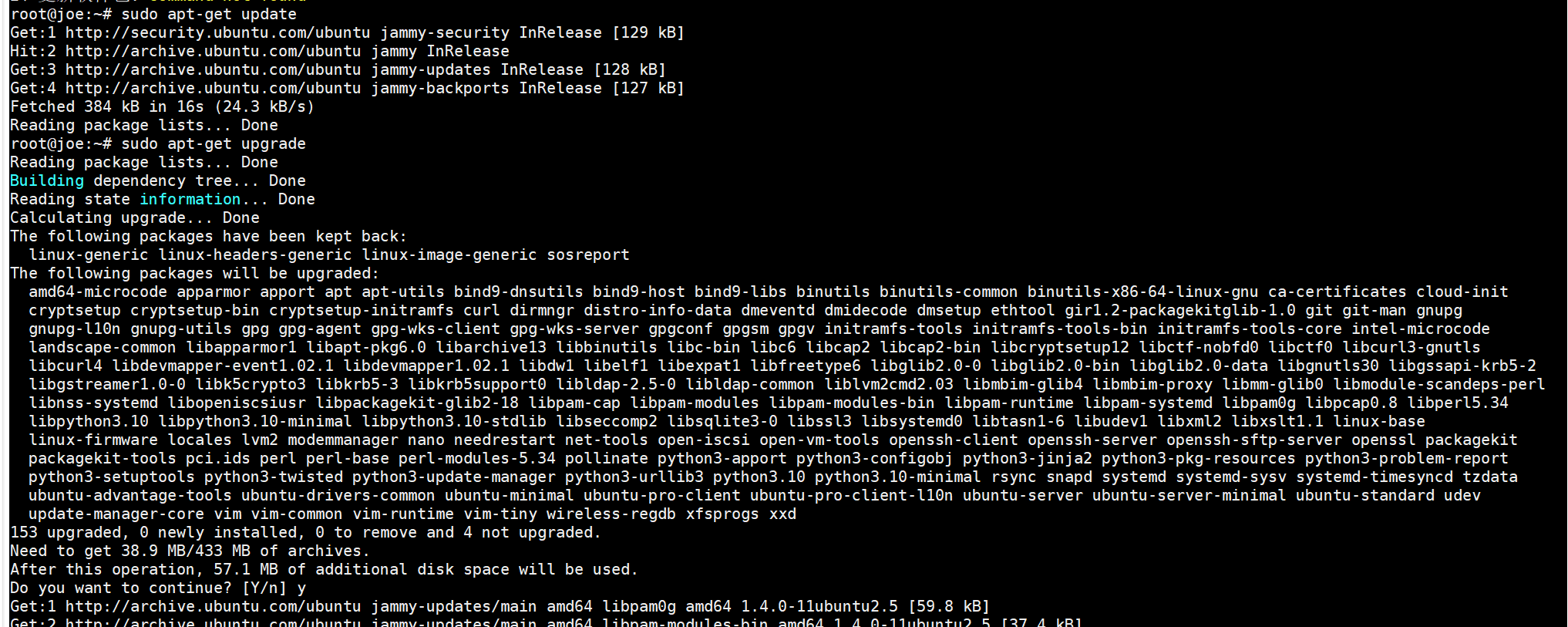
root@joe:~# sudo apt-get update
root@joe:~# sudo apt-get upgrade
如图:
4.安装docker依赖
root@joe:~# sudo apt-get install ca-certificates curl gnupg lsb-release
Reading package lists... Done
Building dependency tree... Done
Reading state information... Done
lsb-release is already the newest version (11.1.0ubuntu4).
lsb-release set to manually installed.
ca-certificates is already the newest version (20240203~22.04.1).
ca-certificates set to manually installed.
curl is already the newest version (7.81.0-1ubuntu1.20).
curl set to manually installed.
gnupg is already the newest version (2.2.27-3ubuntu2.3).
gnupg set to manually installed.
0 upgraded, 0 newly installed, 0 to remove and 4 not upgraded.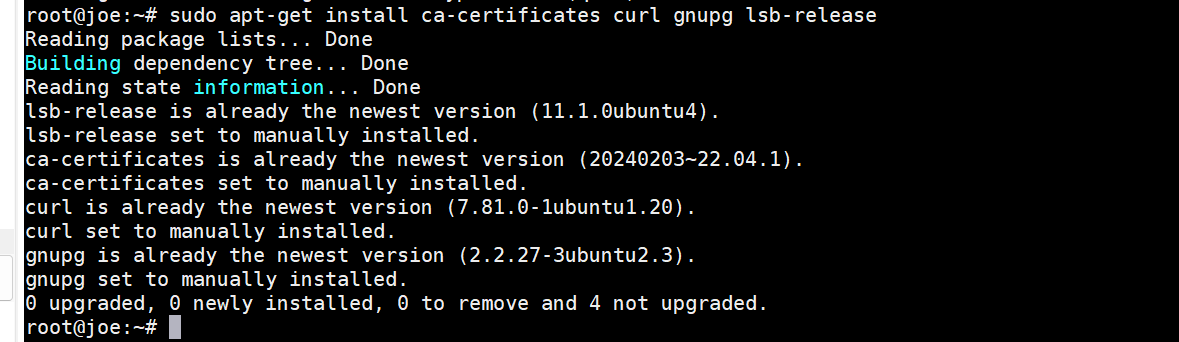
5.添加docker密钥
root@joe:~# curl -fsSL http://mirrors.aliyun.com/docker-ce/linux/ubuntu/gpg | sudo apt-key add -

6.添加阿里云docker软件源
root@joe:~# sudo add-apt-repository "deb [arch=amd64] http://mirrors.aliyun.com/docker-ce/linux/ubuntu $(lsb_release -cs) stable"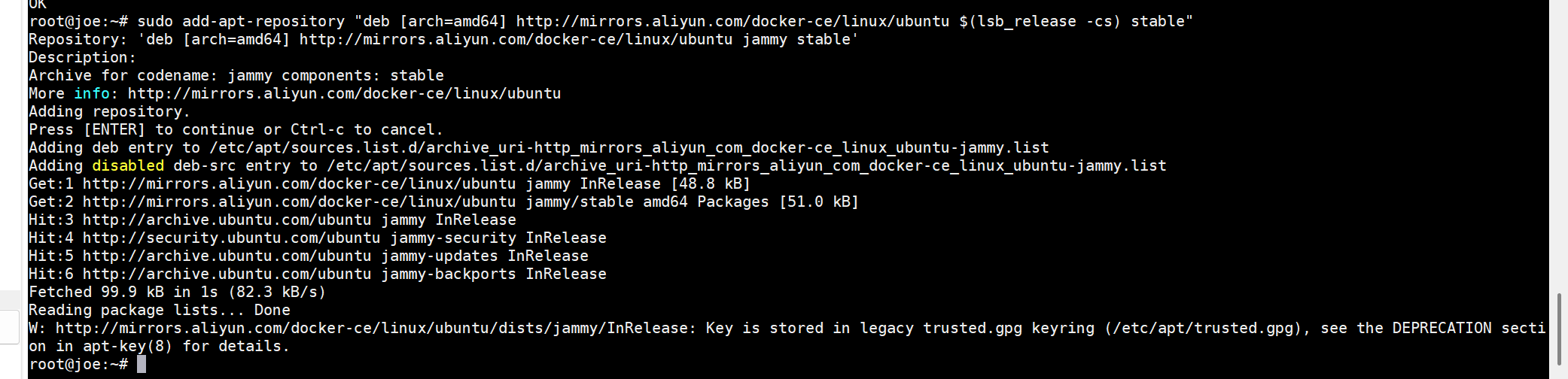
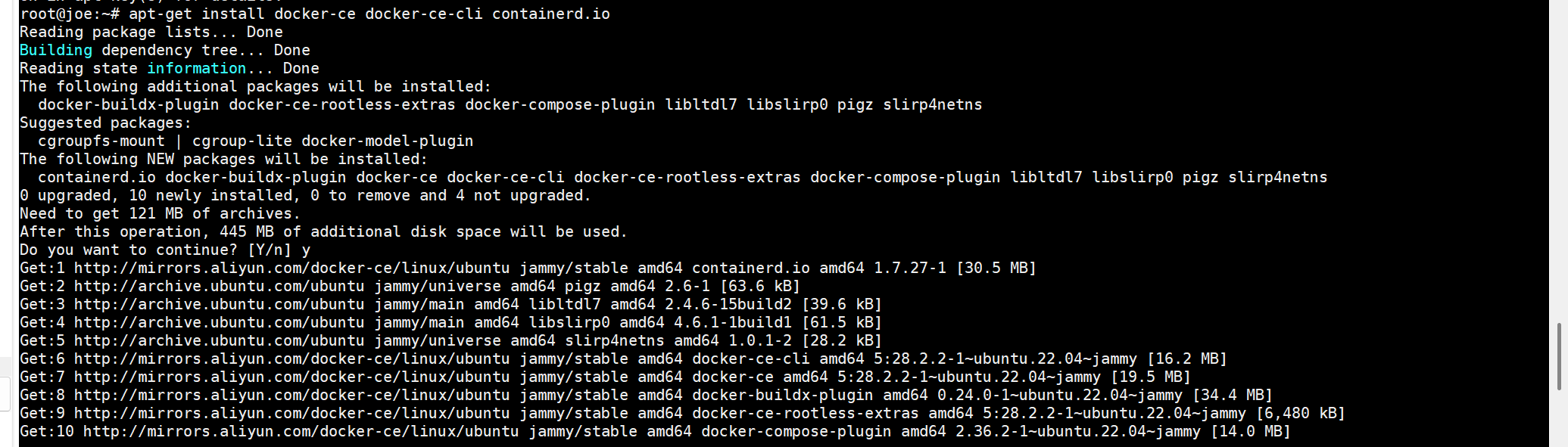
7. 安装docker
root@joe:~# apt-get install docker-ce docker-ce-cli containerd.io
8.检验docker是否安装成功
8.1 启动docker
root@joe:~# systemctl start docker
8.2 查询docker 版本
root@joe:~# docker --version
Docker version 28.2.2, build e6534b4
8.3 查询docker 版本镜像
root@joe:~# docker images
8.4 默认启动服务器启动docker
root@joe:~# systemctl enable docker
Synchronizing state of docker.service with SysV service script with /lib/systemd/systemd-sysv-install.
Executing: /lib/systemd/systemd-sysv-install enable docker
8.5 无问题重启一下服务
root@joe:~# reboot
9.安装docker-compose
9.1 安装python3-pip
root@joe:~# apt install python3-pip
9.2 更新pip
root@joe:~# pip3 install --upgrade pip
9.3 pip3安装docker-compose
root@joe:~# pip3 install docker-compose
9.4 验证安装版本号
root@joe:~# docker-compose version
docker-compose version 1.29.2, build unknown
docker-py version: <module 'docker.version' from '/usr/local/lib/python3.10/dist-packages/docker/version.py'>
CPython version: 3.10.12
OpenSSL version: OpenSSL 3.0.2 15 Mar 2022