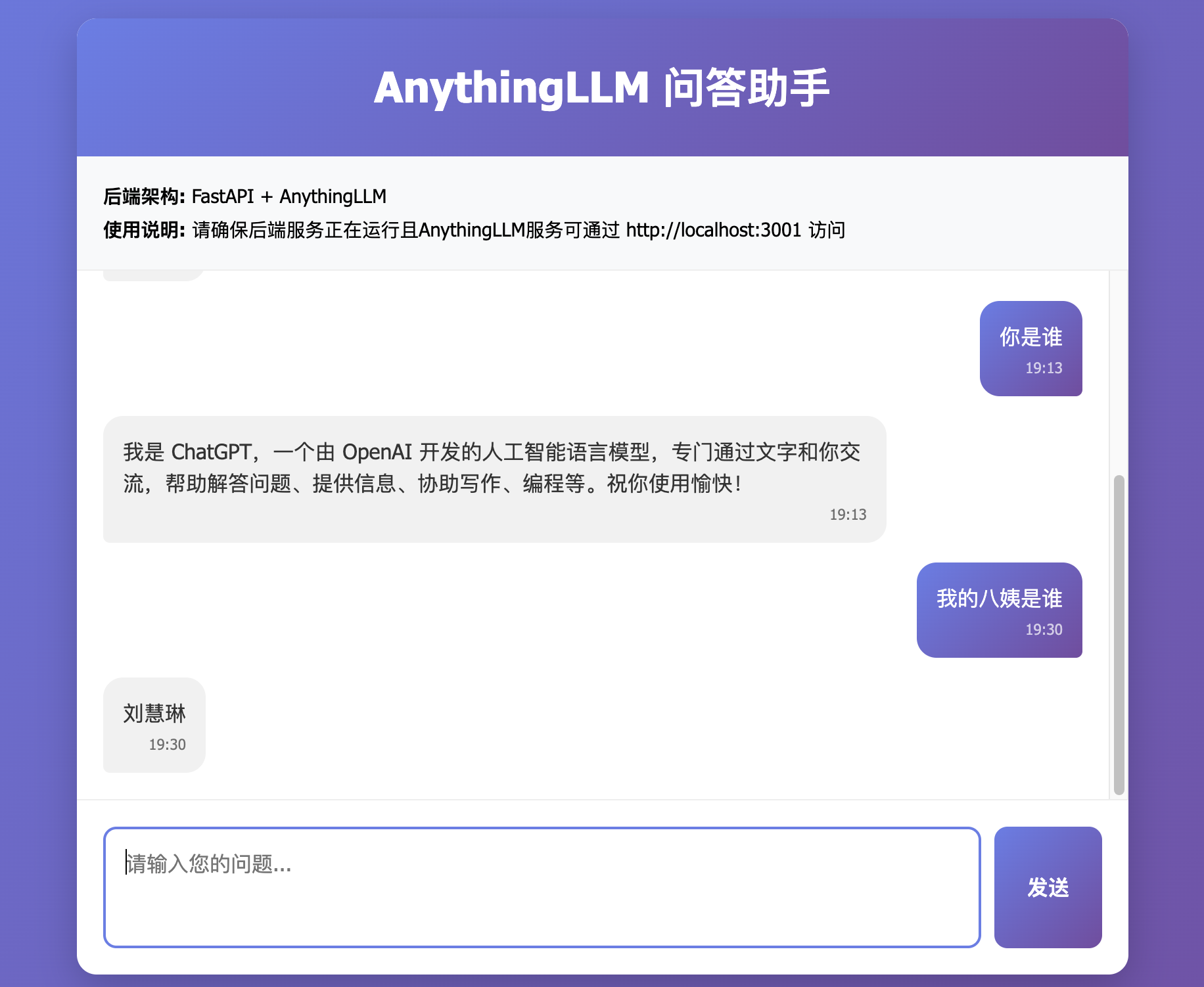
【进阶版】基于Ollama和RAG,本地部署“懂业务”的大模型
昨天我们一行代码没写,在本地部署了懂业务的大模型。没看到的宝子点这里【零代码】基于Ollama和RAG,本地部署“懂业务”的大模型
今天我们基于昨天部署的大模型,开发一个简单的问答助手。
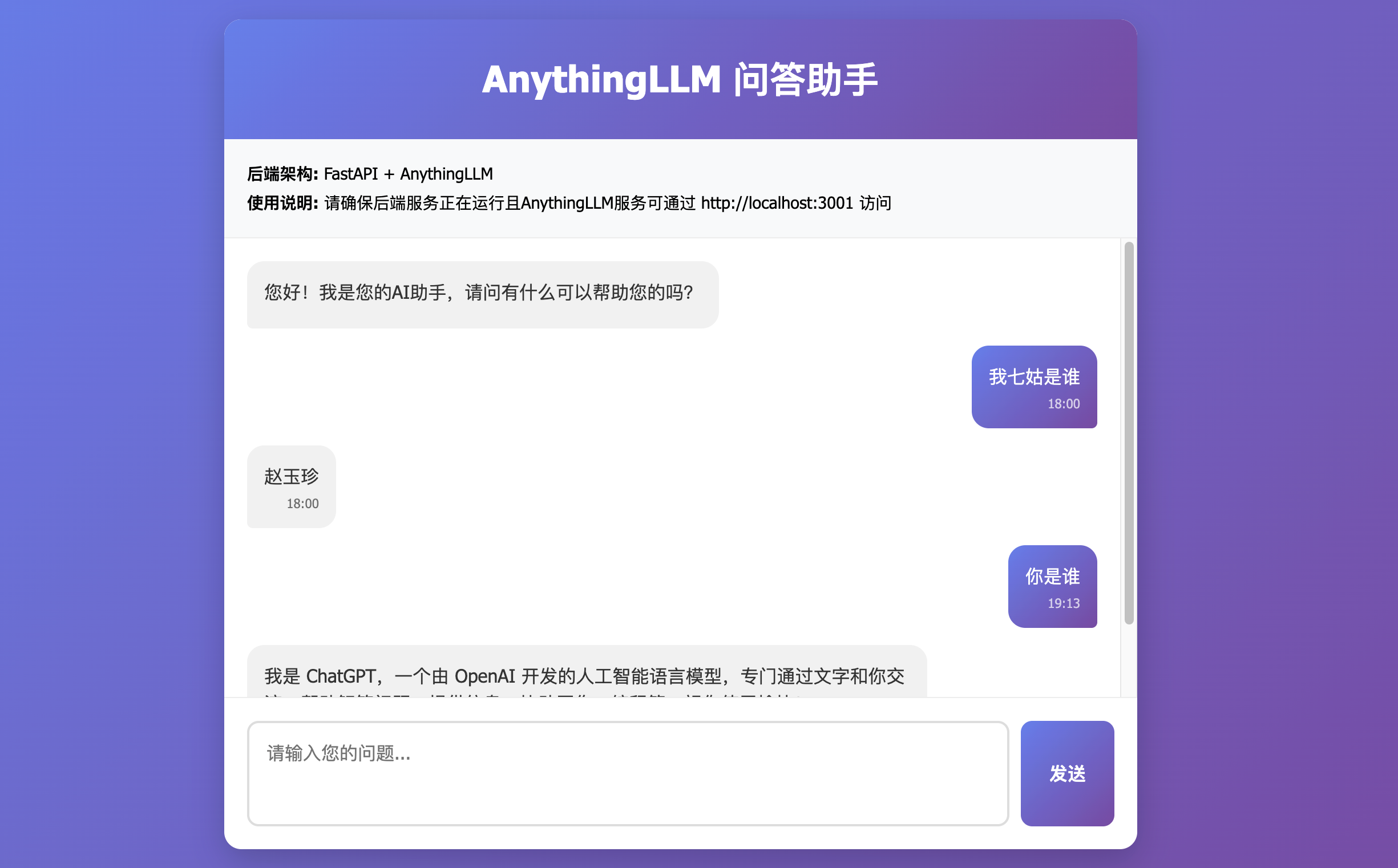
首先,打开AnythingLLM的设置,获取API密钥
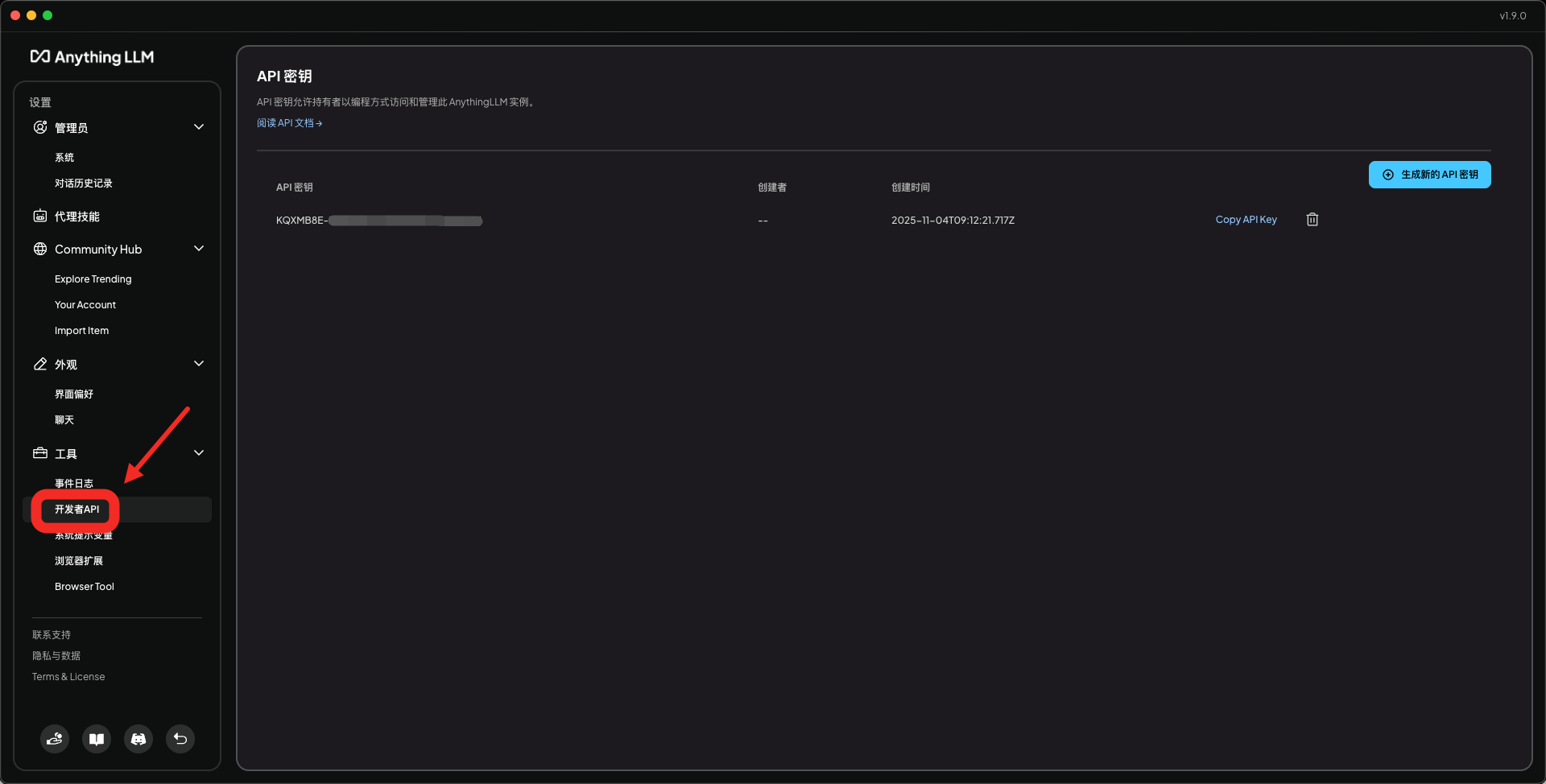
接下来,我们基于fastapi开发一个简单页面
from fastapi import FastAPI, HTTPException
from fastapi.responses import HTMLResponse
from fastapi.staticfiles import StaticFiles
from fastapi.middleware.cors import CORSMiddleware
from pydantic import BaseModel
import requests
import os
from typing import Optionalapp = FastAPI(title="AnythingLLM问答系统")# 挂载静态文件目录
app.mount("/static", StaticFiles(directory="."), name="static")# 添加CORS中间件
app.add_middleware(CORSMiddleware,allow_origins=["*"],allow_credentials=True,allow_methods=["*"],allow_headers=["*"],
)# API配置
API_KEY = "KQXMB8E-XXXXXXX"
API_BASE_URL = "http://localhost:3001"  # AnythingLLM默认地址
WORKSPACE_SLUG = "ollama"  # 工作区class QuestionRequest(BaseModel):question: strclass AnswerResponse(BaseModel):answer: strsuccess: boolerror: Optional[str] = None@app.get("/")
async def root():# 读取并返回前端HTML文件with open("index.html", "r", encoding="utf-8") as file:html_content = file.read()return HTMLResponse(content=html_content, headers={"Content-Type": "text/html; charset=utf-8"})@app.get("/health")
async def health_check():return {"status": "healthy"}@app.post("/api/chat", response_model=AnswerResponse)
async def chat_with_anythingllm(request: QuestionRequest):try:# 构建AnythingLLM API端点endpoint = f"{API_BASE_URL}/api/v1/workspace/{WORKSPACE_SLUG}/chat"# 准备请求数据payload = {"message": request.question,"mode": "chat"}# 设置请求头headers = {"Content-Type": "application/json","Authorization": f"Bearer {API_KEY}"}# 调用AnythingLLM APIresponse = requests.post(endpoint, json=payload, headers=headers, timeout=30)# 检查响应状态if response.status_code == 200:data = response.json()# 打印原始响应数据用于调试# print(f"AnythingLLM原始响应: {data}")# AnythingLLM通常返回 {"textResponse": "...", "sources": [...], ...} 格式answer = data.get("textResponse") or "抱歉,我没有理解您的问题。"return AnswerResponse(answer=answer, success=True)else:error_msg = f"AnythingLLM API返回错误: {response.status_code} - {response.text}"return AnswerResponse(answer="", success=False, error=error_msg)except requests.exceptions.ConnectionError:error_msg = "无法连接到AnythingLLM服务,请确保服务正在运行且可通过 http://localhost:3001 访问"return AnswerResponse(answer="", success=False, error=error_msg)except requests.exceptions.Timeout:error_msg = "请求AnythingLLM服务超时"return AnswerResponse(answer="", success=False, error=error_msg)except Exception as e:error_msg = f"处理请求时发生错误: {str(e)}"return AnswerResponse(answer="", success=False, error=error_msg)if __name__ == "__main__":import uvicornuvicorn.run(app, host="0.0.0.0", port=8000)
运行 python main.py
浏览器打开链接:http://localhost:8000